Creative Memories Tip: Saving Page Template in StoryBook Creator Plus

I am so excited.  Creative Memories posted on their blog today about how to save individual .page files as templates so that you can share page templates with people.  If you have downloaded any of my recent template posts, you know it was not just a single file to download. 

With this new information, it should mean easier creation of template files.  Which is good for me, but even better for you!  That means I'll be posting more templates here in the future for you to use with StoryBook Creator Plus! (yay!)

Here's a template for you – just because I'm so happy about the new process! (just click on the link to download)

Templates - Page 011

And, here is a page I made with the template:

Family Album 2009 - Page 010

Note: The text boxes are in the template, they just don't show up on the JPG of the template for some reason.

Also, if you want the top right photo to have a rounded corner like mine does, you will need to flatten the image once you drop your photo in the frame. Then you can round the corners.

I must give credit for the inspiration, though, to Cathy Zielske's template on Designer Digitals. I love the clean lines she has in her designs! So, if you are not a StoryBook Creator Plus user, but you like this design, go get her template!

Oh, and if you like the paper and embellishments, it's all from DigiChick – Brown Eyed Girl.

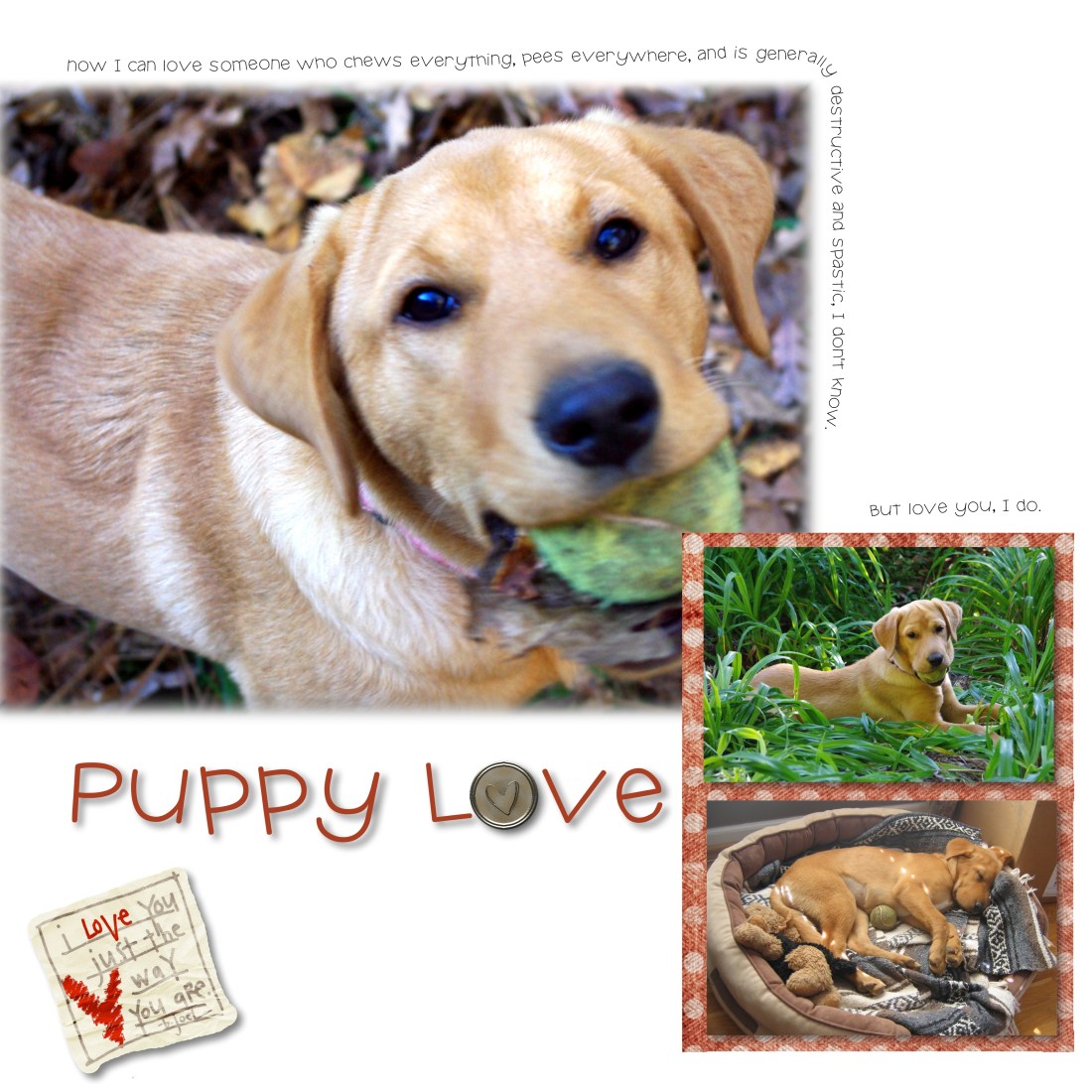
Puppy Love

I’m finding more and more inspiration for scrapbook pages in reading online blogs and looking at websites selling pre-made digital templates.  Because I’m not using PhotoShop, most of those templates are not much use to me. It is easier to make my own in StoryBook Creator than to figure out how to re-layer the many files that are sent with a downloaded template. (I’ve tried it on a few freebies and decided it was way more trouble than it’s worth)

What I have been doing, though, is much like what we do when we’re scrapbooking traditionally. (and I use this technique for both digital and traditional pages)  I simply “eyeball” the page and make my own version using rough estimates on what sizes the pictures are and where the embellishments are placed.  This challenge has been fun and I have been enjoying seeing if I can reproduce what I see online with some relative semblance of accuracy.

Here’s an example:  I saw this layout from Designer Digitals:

LT707240And decided to create this layout:

PuppyLove - Page 019You will notice I took some creative license with my design.  I didn’t add the dotted/stitched border.  I added an additional embellishment.  I had planned to put a background in there once I was finished, but then I decided I liked the clean look of the white page, so I left it.

I’ve been thinking about doing a page on Sydney for a while, and have been waiting for the right inspiration to hit.  Well, one look at that layout and I was ready to go.

Inspiration can come from many places.  You can be inspired by a picture, by an advertisement, by colors, fabrics, sunrises, etc.  The trick is to be open to the muse and either act on it right away or write your ideas down so that you can act later.

Sunday Scrapping

Hi, everyone,

My Sunday Scrapbooking post is up at The Lady’s site. Please check it out and I’ll see you tomorrow!

Lois

Scrapbook Layout Inspiration

Happy Tuesday, y’all…

It’s raining here. Nasty, wet and cold.  My youngest is at home with me – she has the sniffles. We are snuggled up in the house and I’m trying really hard to remember that I work full-time and stay focused on work.  What I really want to do is grab a blanket or two, light a fire, make some hot tea, and snuggle by the fire with my little Doodlebug.  Maybe that will come in just a little bit.  Must get a few more things done.

I thought today I would share a layout idea that has inspired me.  I found it over at Ella Publishing Company’s website. They have a neat new eZine that has some pretty awesome ideas in it. I’m finding great inspiration for layouts, color schemes, you name it.  One thing I’ve learned over the  years  is to always be on the lookout for things that catch my eye.  Once I find them, I either take a picture, save it on my PC, or put it in a folder I have of scrapbooking ideas.

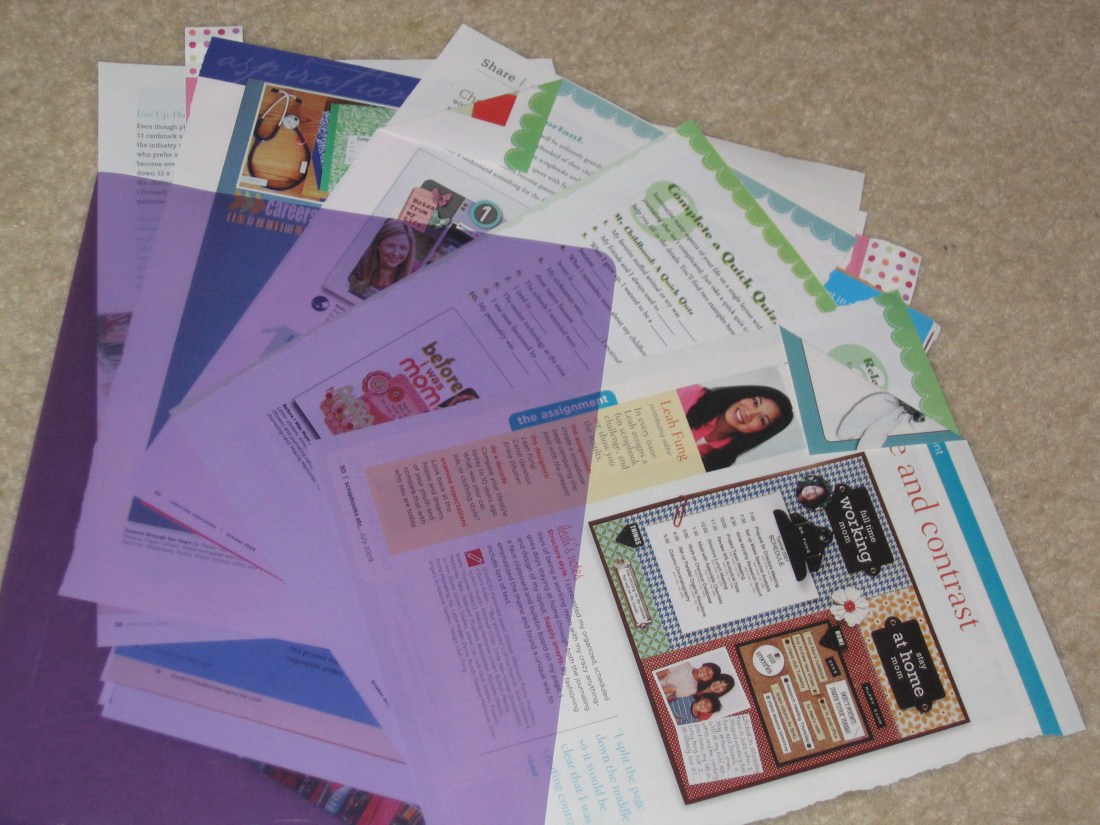
Here’s my folder –
IMG_3222

I just rip pages out of magazines and save them here. When I sit down to scrapbook and need a little inspiration or help getting the creative juices flowing, I just rummage around in the pile of ideas. That is usually a good way to get me started.

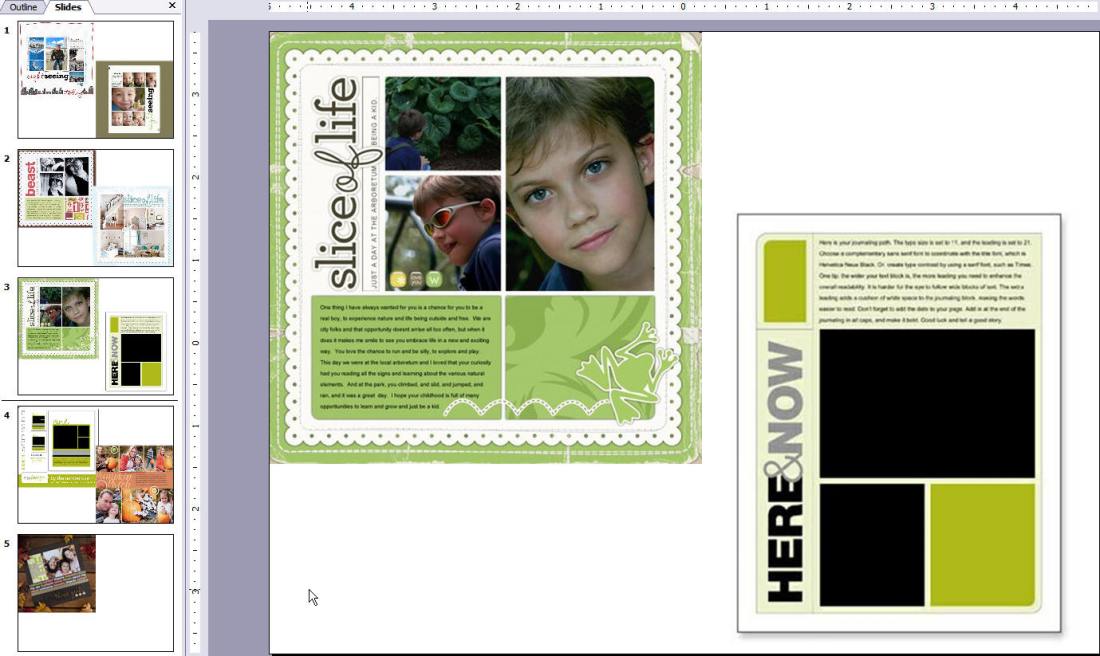
I used to subscribe to tons of scrapbook magazines.  Now, not so many.  I have found that I can get the same inspiration from looking at blogs and other scrapbook related websites (like Ella’s) to find (free) ideas.  So, I have started an electronic version of my idea “folder” as well.  This is a little simpler – it’s just a PowerPoint file that I copy/paste images into whenever I see an idea that inspires me.
ideafile

Here are some places for you to consider as you search for ideas for yourself:

  • Designer Digitals – they have challenges that are awesome. If you are a digital scrapbooker, the downloads that come with the challenges are pretty awesome, too.  If you are traditional, consider getting the downloads anyway. You can always print them on your own cardstock or re-create the layout, etc. on your own.  The ladies at DD are really talented and I always find a few things I want to try over there.
  • Ali Edwards – always has awesome ideas.  Check her blog out (if you haven’t already) – it is well worth the visit.
  • Cathy Zielske – I love her no-nonsense style of scrapbooking. Clean lines, lots of whitespace and capturing the essence of a story.

Okay, enough rambling…. Here’s the original layout that inspired me:

Here’s my version:

my take

And, here’s a bonus for you – a link to a template you can use in StoryBook Creator + (3.0) if you are using that for your digital scrapbooking. (as soon as I get Photoshop Elements, I’ll include those, too. Not in the budget yet, though)

Send me your pages! I’d love to see what you do with the idea!